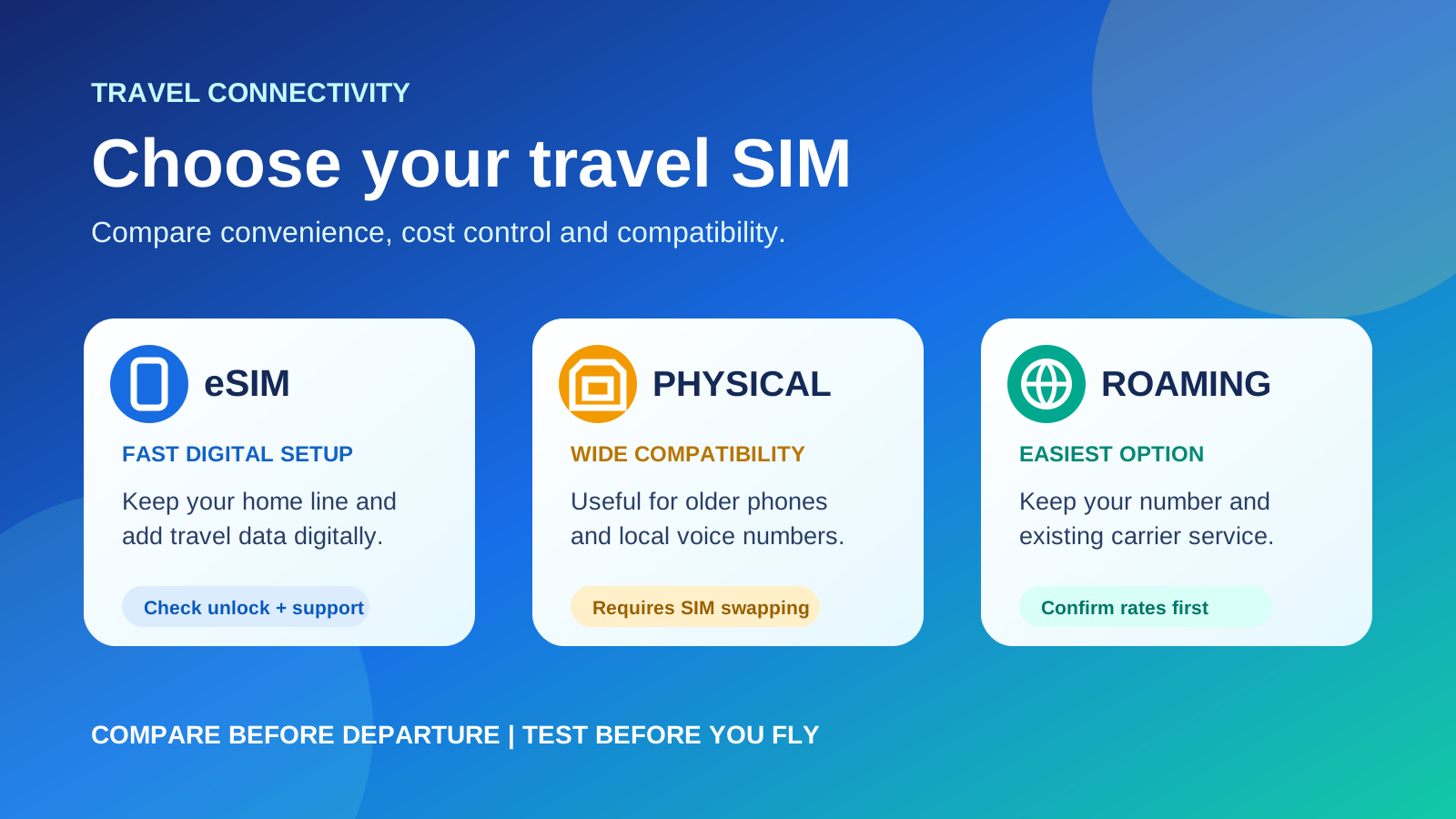
Quick choice
- Choose roaming when convenience and keeping normal calls/texts matter more than finding the lowest price.
- Choose a travel eSIM when your unlocked phone supports it and you mainly need data quickly.
- Choose a local physical SIM when eSIM is unavailable, you need a local number, or a local plan offers better value.
Side-by-side comparison
| Option | Best for | Main advantage | Main limitation |
|---|---|---|---|
| International roaming | Short trips and people who need their home number working normally | No SIM change; calls, texts and data can continue | Rates, limits and covered countries vary by carrier and plan |
| Travel eSIM | Fast prepaid travel data on supported unlocked phones | Install digitally and keep a home SIM active on compatible dual-SIM phones | Some plans are data-only; support and activation vary |
| Local physical SIM | Longer stays, older phones and travellers needing a local number | Often includes local calling and broad device compatibility | Requires buying, inserting and safeguarding the card |
Do this before buying
Confirm the phone is unlocked, supports the required SIM type and network bands, and can keep your home line active if you need bank codes or calls.
How eSIM travel works
An eSIM is a digital SIM profile activated in phone settings, often using a carrier app, QR code or transfer process. Apple says compatible iPhones can store multiple eSIMs and use two eSIMs at once; Google says supported Pixel phones can manage multiple profiles and use prepaid international eSIMs while travelling. Exact capabilities depend on phone model, country and carrier.
Travel eSIM products frequently focus on mobile data. Check whether calls, SMS, hotspot use, voice-over-IP apps, speed limits and renewals are included. A plan advertised as “unlimited†may still have a fair-use or high-speed data limit.
How international roaming works
Your home carrier connects through a foreign partner network while you keep your normal SIM and number. Apple notes that roaming works the same whether the home line is an eSIM or physical SIM. Before travelling, check included countries, daily-pass charges, data limits, cruise/aircraft coverage and what happens after the allowance is used.
How to avoid surprise roaming charges
- Choose the travel-data line manually in phone settings.
- Turn off data roaming on the home line unless the plan explicitly covers it.
- Disable automatic app updates, cloud photo backup and large downloads on mobile data.
- Keep the home line enabled only if needed for calls or verification texts, and understand its charges.
- Save activation details offline in case airport Wi-Fi is unreliable.
Which option fits your trip?
| Trip situation | Likely best starting point |
|---|---|
| Two-day business trip; normal number must work | Compare the home carrier's roaming pass first. |
| Multi-country holiday; mostly maps and messaging | Compare a regional travel eSIM with roaming. |
| One-month stay; local calls and deliveries matter | Check local carrier SIM and eSIM plans. |
| Locked or older phone | Ask the home carrier about roaming or unlocking before departure. |
Setup checklist
- Check whether the phone is carrier-unlocked.
- Confirm eSIM, dual-SIM and destination network compatibility.
- Compare the full roaming, travel eSIM and local plan terms.
- Install or test the chosen plan before departure when the provider allows it, but follow its activation-start rules.
- Label each line clearly and select the intended mobile-data line.
- Keep a backup way to connect, pay and contact support.