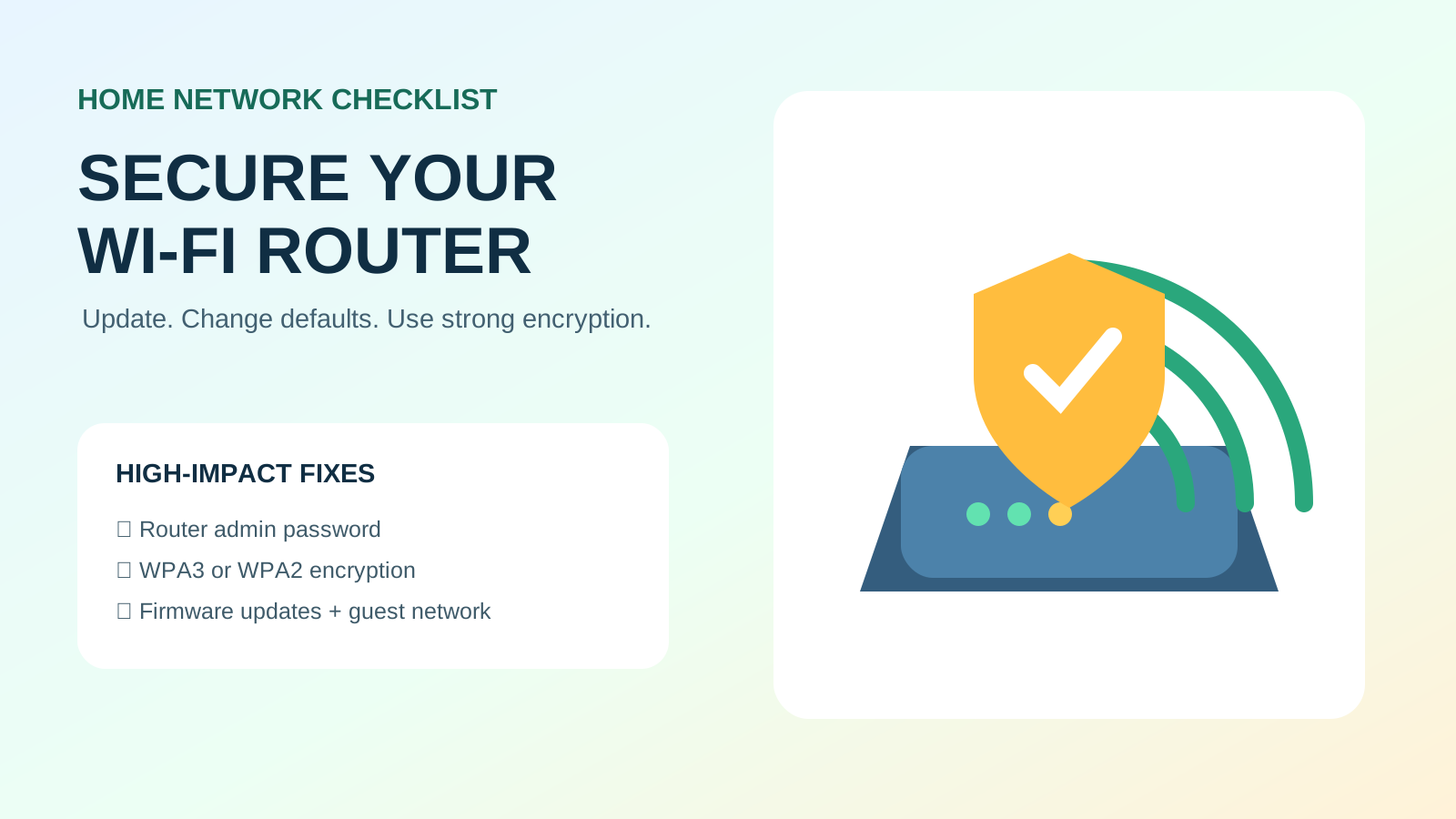
High-impact checklist
- Install current router firmware and enable automatic updates if supported.
- Change both the router-admin password and Wi-Fi password.
- Use WPA3-Personal, or WPA2-Personal/AES where WPA3 is unavailable.
- Disable remote administration and unused convenience features.
- Create a guest network for visitors and less-trusted smart devices.
There are two important passwords
The FTC distinguishes the Wi-Fi password used by devices from the router-admin password used to change settings. Both should be unique and strong.
Before changing settings
Find the router model, manufacturer or ISP support page, and confirm how to restore service if something goes wrong. If the ISP manages the device, ask before disabling or resetting features. Save the current configuration when the router supports a secure backup.
Step-by-step settings
| Setting | Recommended action | Why |
|---|---|---|
| Firmware | Install supported updates; enable automatic updates | Fixes known vulnerabilities |
| Admin login | Replace defaults with a unique password | Protects control of router settings |
| Wi-Fi encryption | Use WPA3-Personal or WPA2-Personal/AES | Protects wireless traffic and access |
| Network name | Use a unique name without personal details | Avoids revealing identity/address or defaults |
| Remote administration | Disable unless truly needed and secured | Reduces internet-facing access |
| Guest network | Use for visitors and less-trusted devices | Limits access to primary devices |
Review connected devices
Open the router’s connected-device list and investigate unfamiliar entries. Change the Wi-Fi password if an unauthorised device may be connected, then reconnect trusted devices. Keep smart-home devices updated and remove devices no longer used.
Features to disable when unnecessary
- Remote administration from the internet.
- WPS push-button/PIN setup when you do not need it.
- UPnP or automatic port forwarding when no application requires it.
- Old or insecure encryption modes such as WEP.
- Unused services, accounts and cloud-management access.
When the router should be replaced
Replace a router that no longer receives security updates, cannot support modern encryption, has known unpatched vulnerabilities or cannot reliably meet your network needs. NIST describes routers as network gatekeepers and recommends security capabilities such as secure updates, data protection and access control.